
AI operations copilot
Turn Busywork Into Next Steps With an AI Operations Copilot
An operations copilot can summarize, sort, extract, and draft while your team still reviews the result and owns the decision.
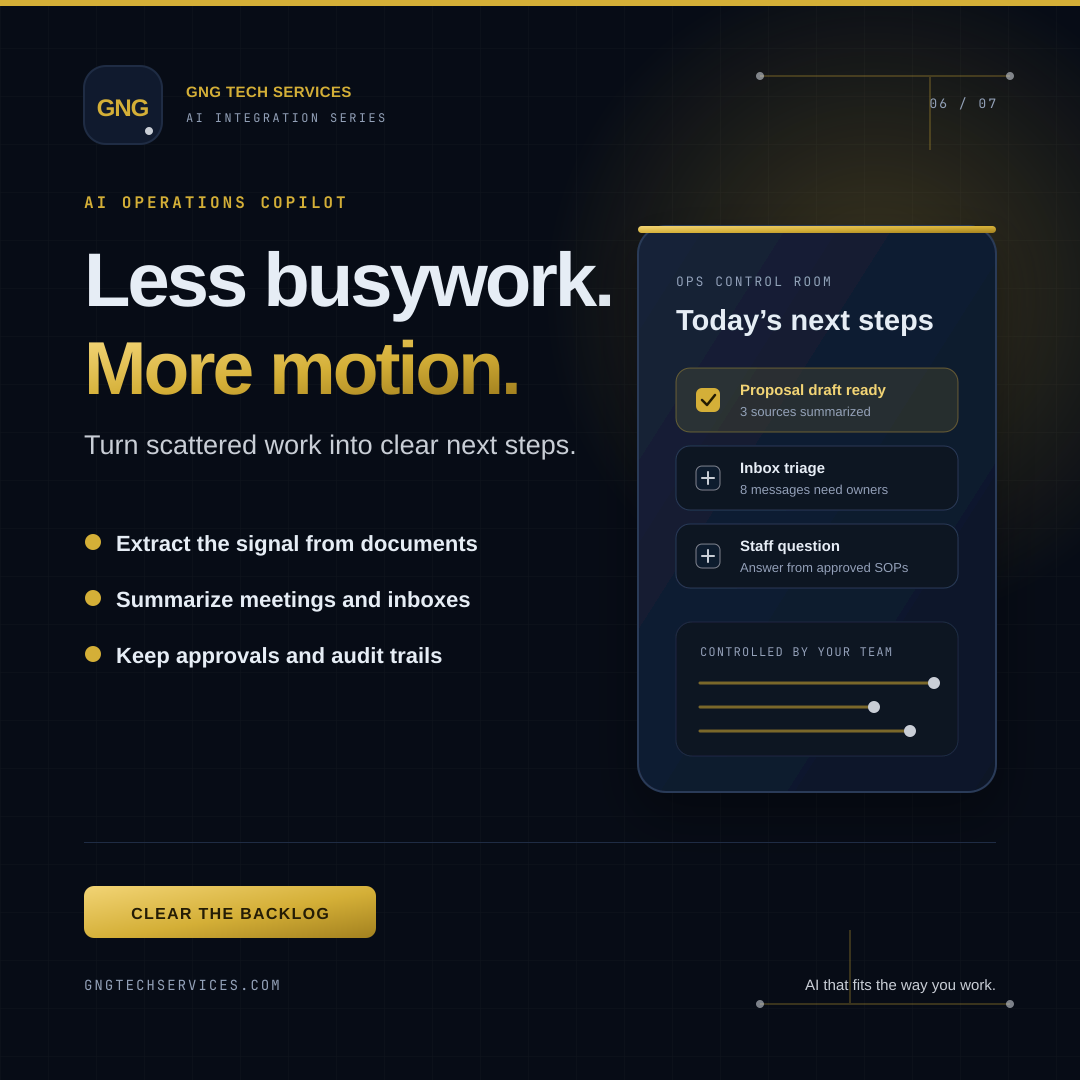
A simple example
After a sales call, someone may need to read the notes, find the customer’s requirements, update the CRM, draft a proposal, and create follow-up tasks.
A copilot can prepare a summary, pull out dates and action items, and draft the proposal from approved templates. The employee checks the facts, edits the language, and approves what gets saved or sent.
Useful starting points
- Sort an inbox into sales, support, billing, and internal requests
- Extract fields from a PDF or purchase order
- Summarize a meeting and list the owner for each action
- Answer staff questions from approved operating procedures
- Prepare a recurring report from existing business data
Keep the work controlled
An operations copilot should have access only to the information and tools it needs. Important actions—such as sending a customer promise, changing a financial record, or approving a purchase—should require a person or an explicit business rule.
It is also helpful to keep an audit trail: what information was used, what the system suggested, and what the employee changed.
The practical result
The best result is not AI doing everything. It is fewer repetitive steps, clearer handoffs, and more time for work that requires experience.
Ready to start?
Make your business AI ready.
GNG Tech Services can start with one internal workflow and document the review, permissions, and fallback steps before expanding.
Start an AI plan